

TM 5-3805-293-23-1
0008
FLASH PROGRAMMING
1. Copy configuration (in this work package). If done already, go to next step.
2. Connect MSD to machine (WP 0006).
3. Highlight applicable ECM that is being programmed and select OK button.
N OT E
Flash File CD should be contained in MSD.
Check the following website for the latest Caerpillar ET Software and ECM Flash files:
t
https://akoapps.amrdec.army.mil/tacom/
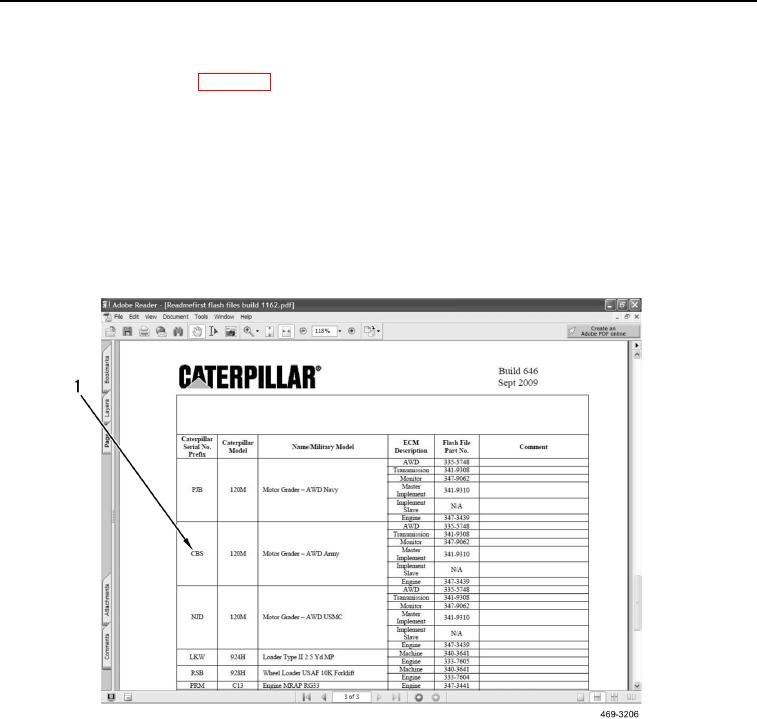
4. Insert flash file CD, open Windows Explorer, select drive with CD, open and read the "read me first" file. Note
correct ECM flash file, folder name and prefix (Figure 5, Item 1).
Figure 5. Read Me First.
08
0008-6